 FC Tools
Coin Transfer
One account lists cards and the other buys them, linked by a short code. You set the limits, so you stay in control of how many coins move.
- Two sessions included
- Same network or internet
- Spending limits
- Works in your browser
What it does
Everything runs inside the Web App. Pick a group to see what is in it.
Sender and receiver
One account lists the cards and the other buys them. Link them with a short code and a reply code.
Same network or internet
Connect two accounts on the same network, or over the internet when they are in different places.
Buys the exact card
The receiver buys exactly the card that was listed, so the right card moves.
Safe listing
Listing is blocked when the receiver cannot buy, so cards are not listed for nothing.
Spending limits
Set a maximum price per card, a maximum total spend and a maximum number of cards to buy.
Price filters
Skip cards priced above or below the values you choose.
Coin reserve
Keep a reserve of coins that the receiver never spends.
Auto-buy switch
Turn auto-buy off to pause buying without unlinking the accounts.
Four buying speeds
Safe, Balanced, Fast or Turbo. Balanced buys two cards at once with relaxed searches.
Delays you can tune
Set the delay between searches for one card and the minimum gap between any two searches.
Four price sources
Use FUTBIN, FUT.GG, FUTWIZ or FUTNEXT prices when you list.
List options
List at the price from your chosen source, at the lowest market price, or at a fixed price.
Move and clear
Move bought cards to the transfer list, and clear sold items so the list does not fill up.
Alerts
Show notifications, play a sound on purchase and send updates to Discord.
Test mode
Try the setup first without spending coins.
By hand or with Coin Transfer
Moving coins between your own accounts, two ways.
By hand
- List a card on one account at the price you want
- Switch to the other account and search for it
- Hope nobody else buys it first
- Repeat for every card
- Watch the totals yourself
With Coin Transfer
- The sender lists, the receiver buys the exact card
- Both accounts talk through a short link code
- Limits stop spending when you say so
- Four speeds to match how careful you want to be
- Test mode lets you try it first
Every transfer confirmed
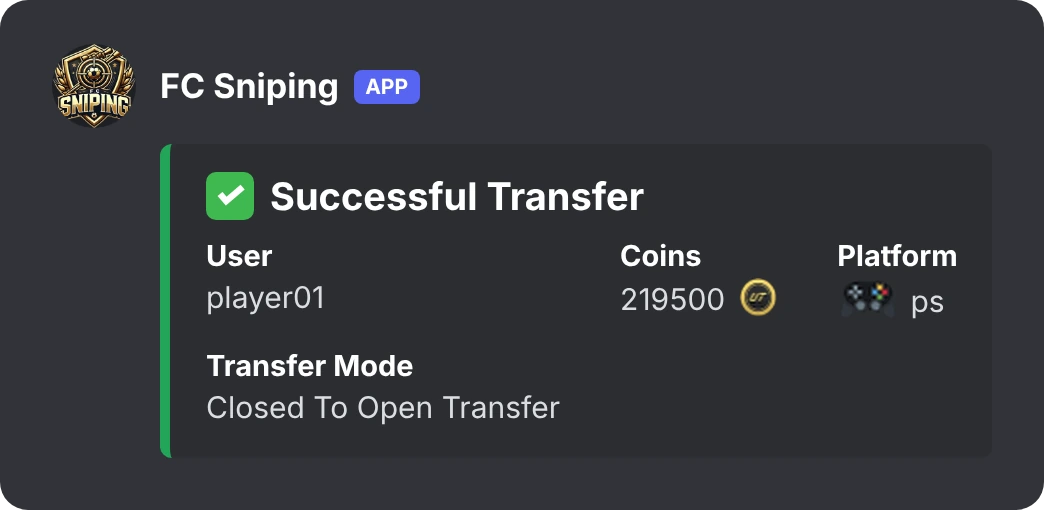
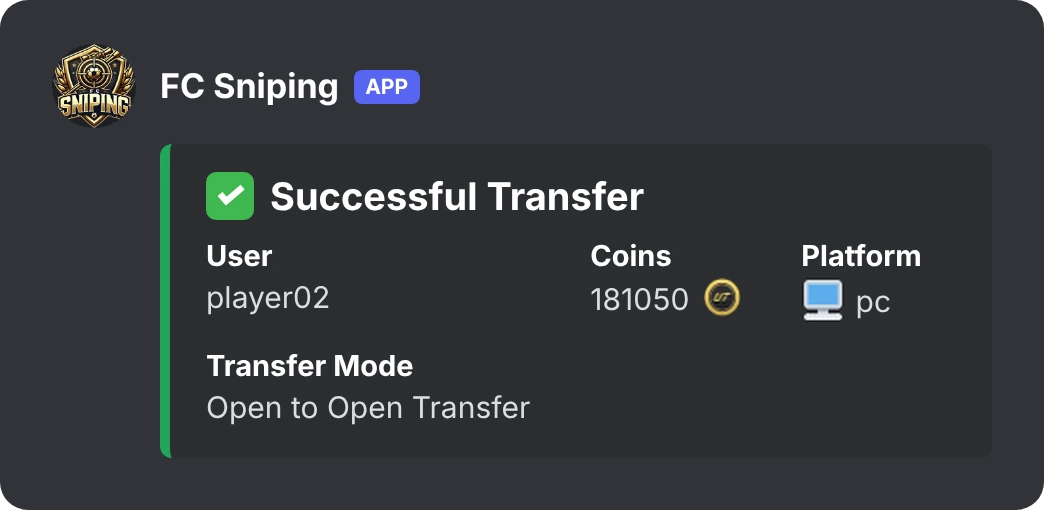
Coin Transfer posts to your Discord channel when coins move: how many, on which platform, and in which transfer mode.
Get started in four steps
It takes a few minutes.
- Create your accountRegister on this site with a valid email. One account is for one tool.
- Get your subscriptionMessage us on Discord. We tell you how to pay and switch your account on.
- Install the scriptAdd Coin Transfer to Tampermonkey (or Violentmonkey) from the Downloads page.
- Open the Web App and log inOpen the EA FC Web App and log in to Coin Transfer with your username and password.
Pricing
One simple price. After you pay, we activate your account.
Coin Transfer
- All features
- Two sessions: sender and receiver
- Spending limits you control
- 1-year subscription
How to pay
Message us on Discord. We send the payment details and switch your account on, usually within a day.
Not working on your setup? Message support within 48 hours for a refund.
Questions
What is Direct Link?
It connects two of your accounts. The sender lists cards, the receiver buys them, and coins move from one account to the other.
How do I link two accounts?
Open Coin Transfer on both accounts. The sender creates a link code and sends it to the receiver. The receiver pastes it and sends back a reply code. Paste that on the sender and the accounts are linked.
Can I use it for accounts that are not mine?
No. Coin Transfer is for moving coins between accounts you own.
Why two sessions?
A transfer needs a sender and a receiver, so one subscription allows two accounts to be logged in together.
Can I set limits?
Yes. You can set a maximum price per card, a maximum total spend, a maximum number of cards and a coin reserve.
Is my account safe?
Coin Transfer never asks for your EA password. Automation can still lead to restrictions or account action, so use sensible limits and use it at your own risk.
How do I get activated?
Create an account on this site, then message us on Discord. We activate it and you can log in to the tool.
How long does a subscription last?
Coin Transfer is a 1-year subscription.
Refunds?
Message support within 48 hours if the script does not work on your setup.
Ready to try Coin Transfer?
Create your account, then message us and we switch it on.